Payroll

Generate EA Form
Workbeat
12 May 2026 9:31 AM
The EA Form page is used to generate and publish employee EA forms for the selected year.
Path : Payroll > EA Form
On the EA Form page, select the Language, Year, and Office, then click Search.
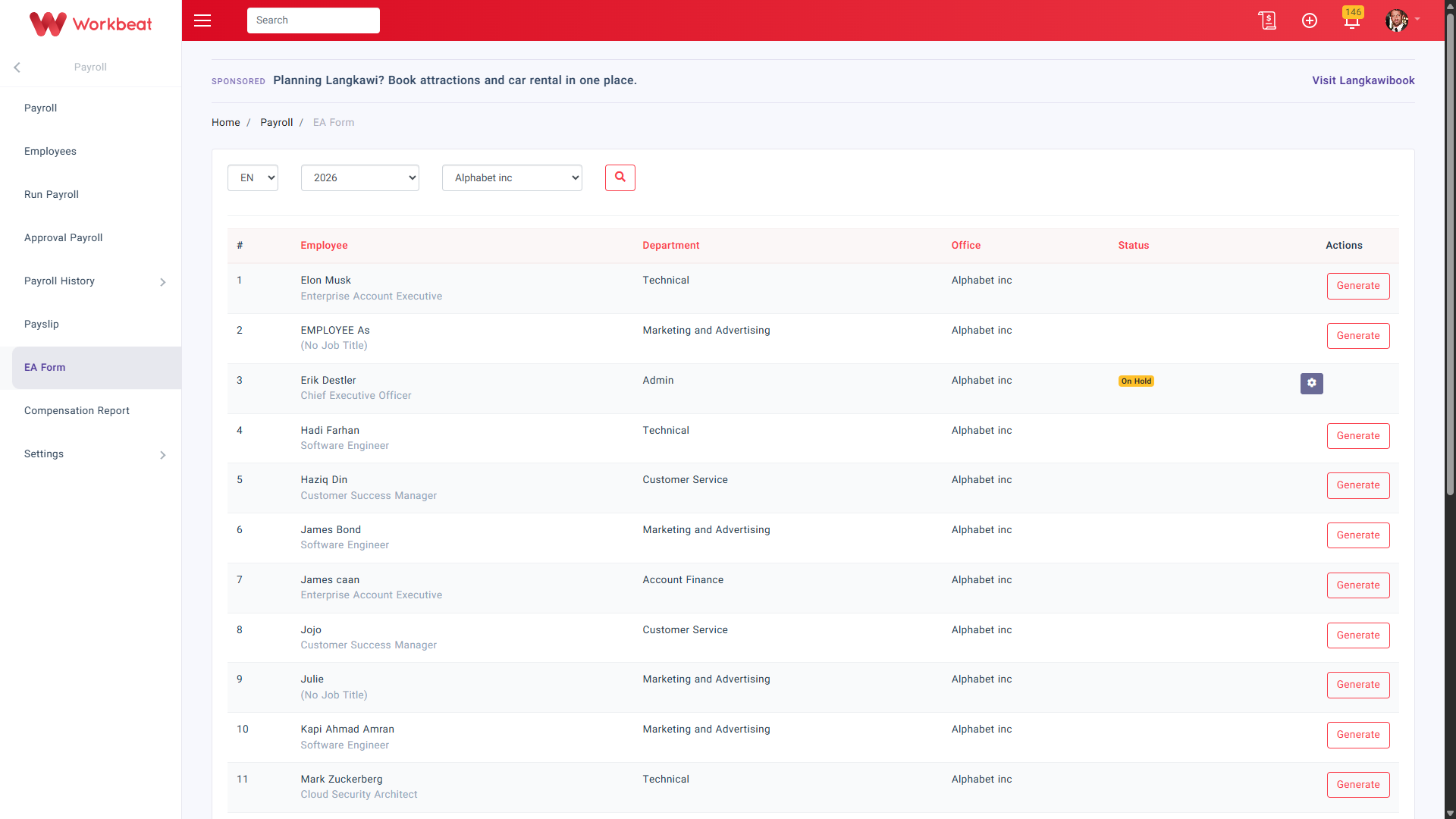
To generate an EA form for an employee, click Generate under the Actions column.
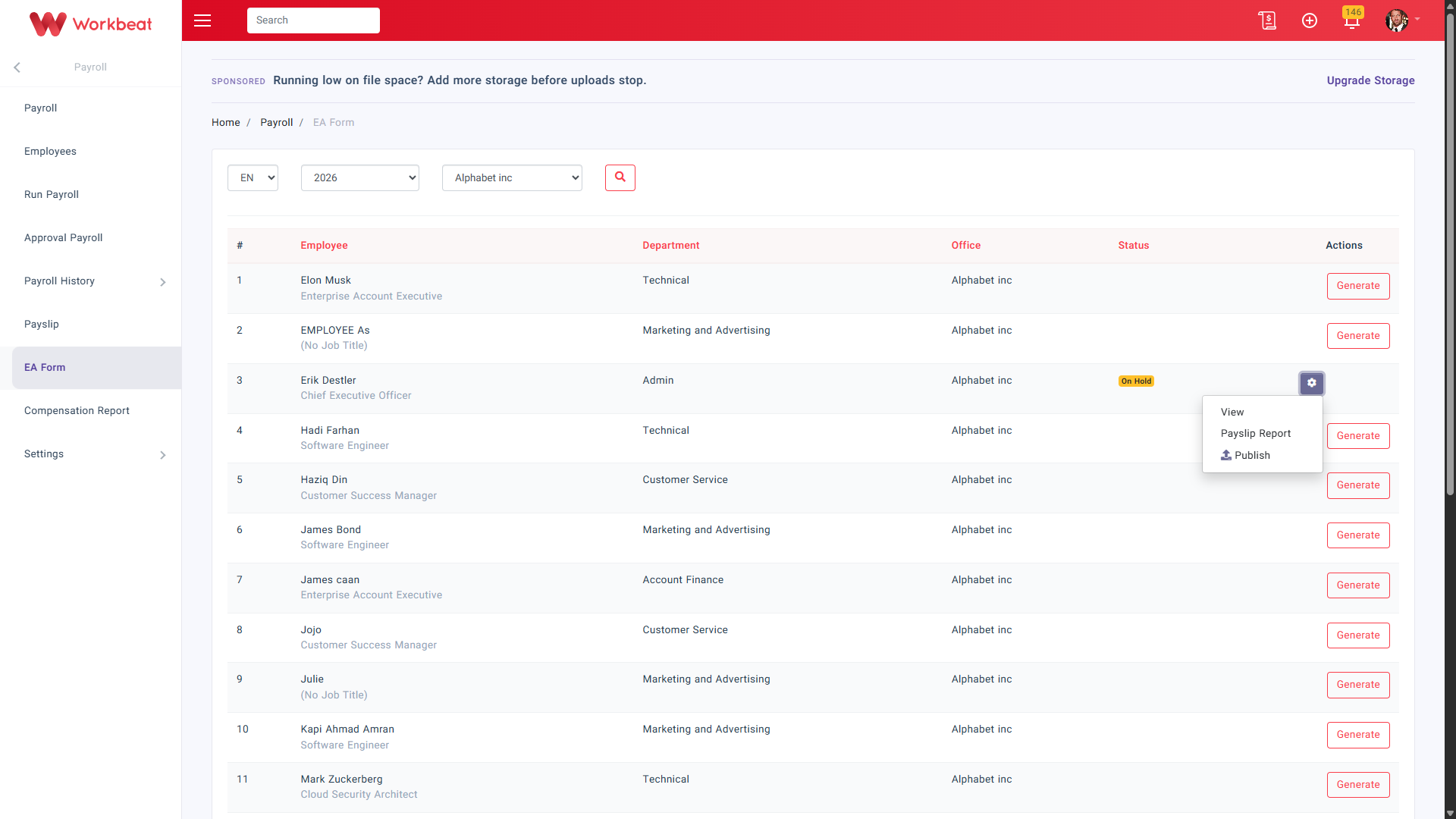
Once the EA form has been generated, click the Actions dropdown to view more options.
The available actions are:
- View to open the EA form
- Payslip Report to view the employee payroll summary for the selected year
- Publish to publish the EA form to the employee
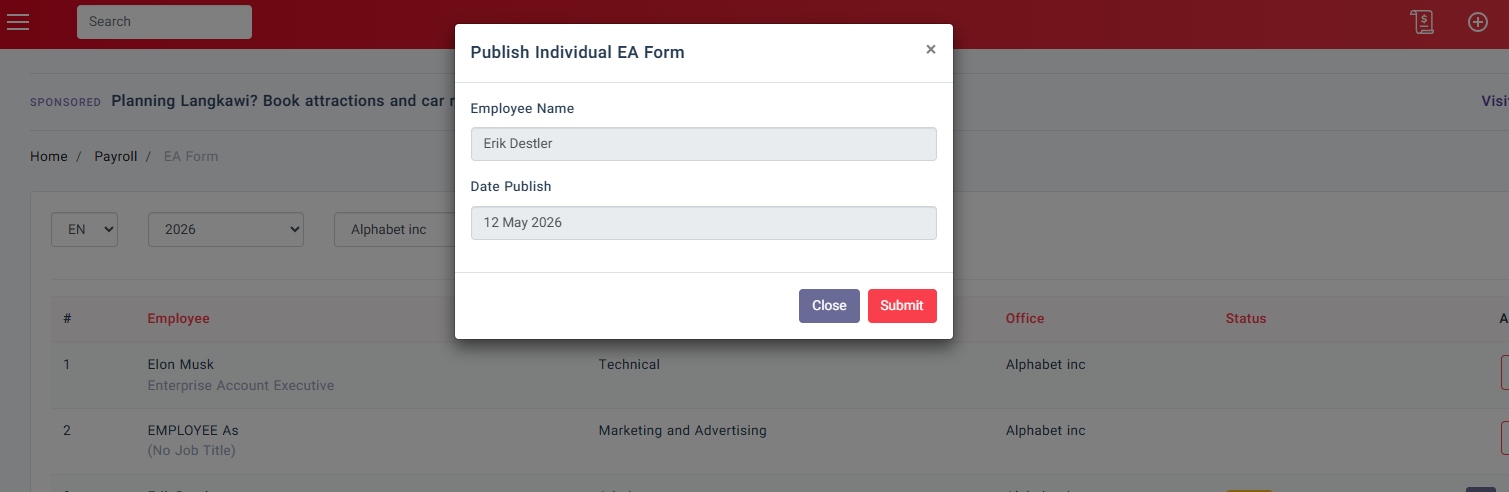
If you want to publish the EA form, click Publish, then select the Date Publish.
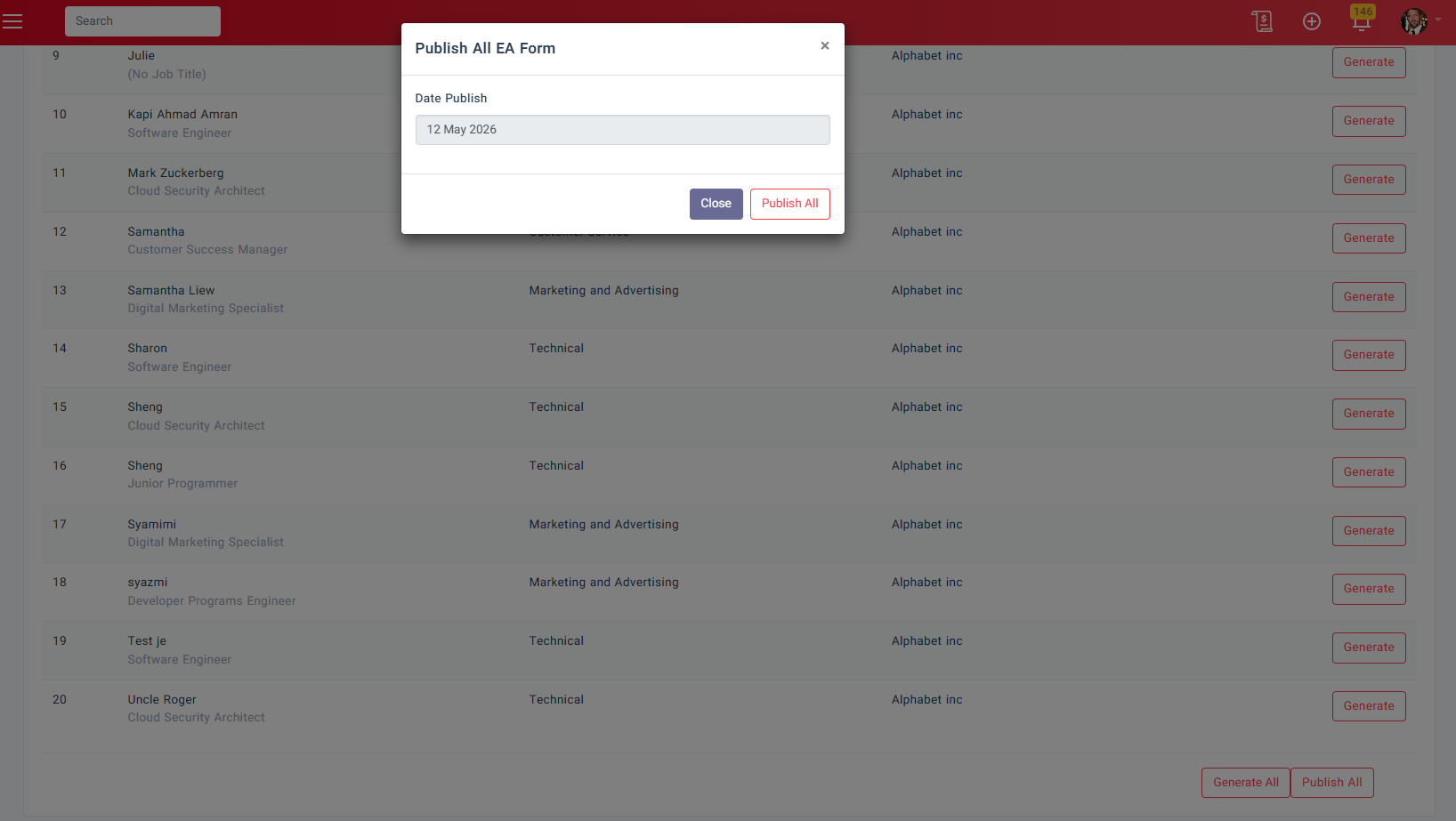
You may also use Publish All to publish EA forms for multiple employees at once.
Select the Date Publish, then click Publish All.