Invite employees

It’s time to invite your employees into the company’s account so everyone can experience the Workbeat’s features together.
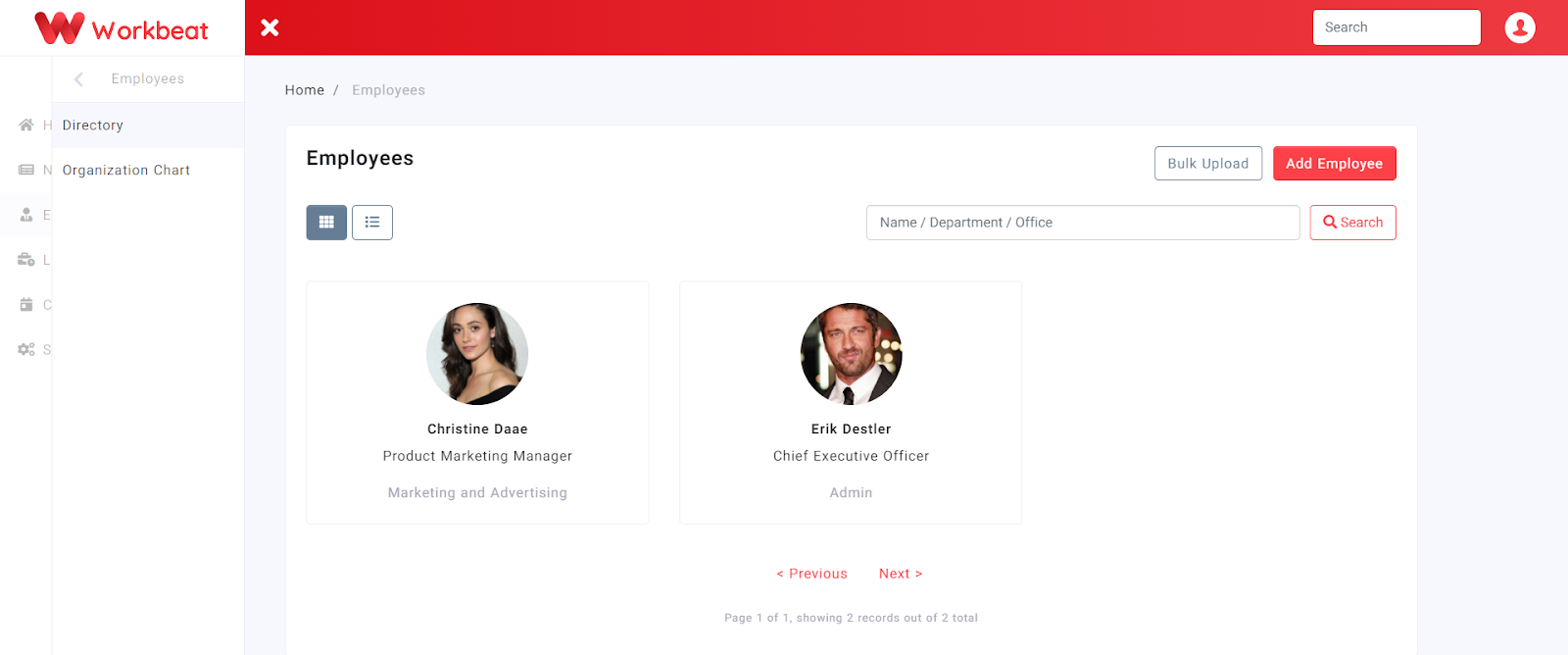
Path : Employees > Directory
Invite through bulk upload
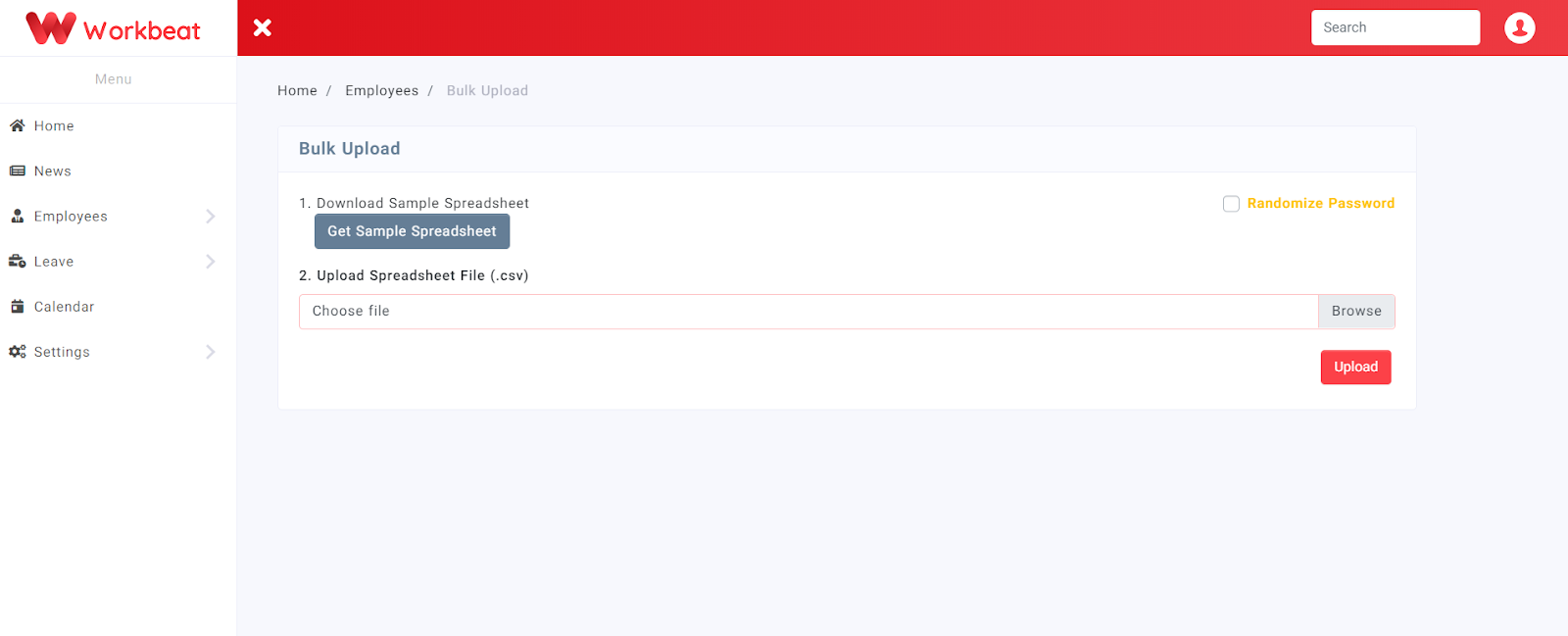
Inviting employees is pretty easy as you can use the bulk upload feature. Add all your employees at once by filling out the spreadsheet template.
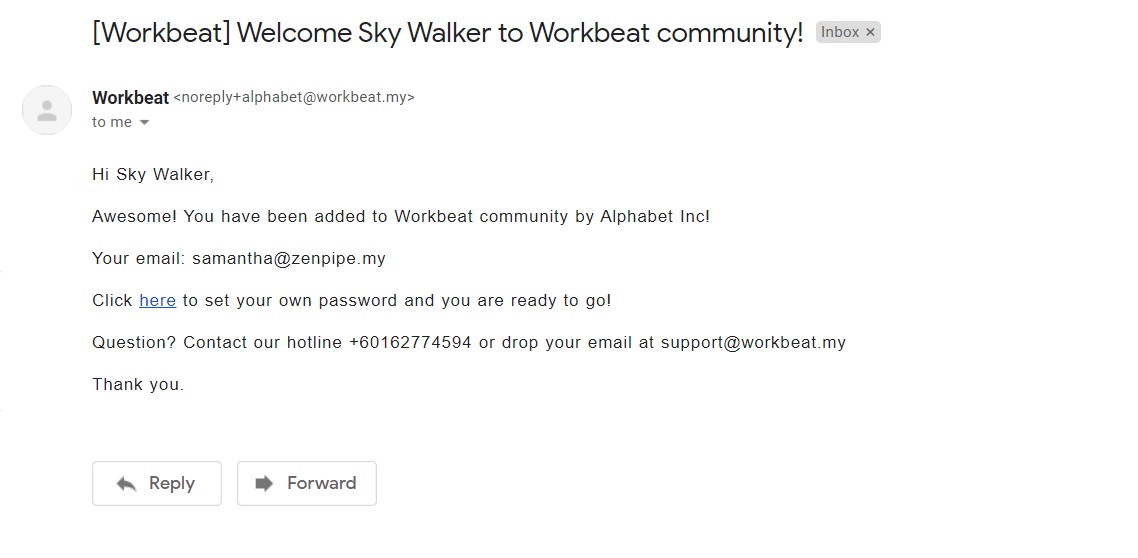
Once you upload the spreadsheet, Workbeat sends the invitation email to the employees to get them on board. They will then need to reset their account password by clicking on the link given.
Invite employees manually
Manually add your employee by clicking on the Add Employee button.
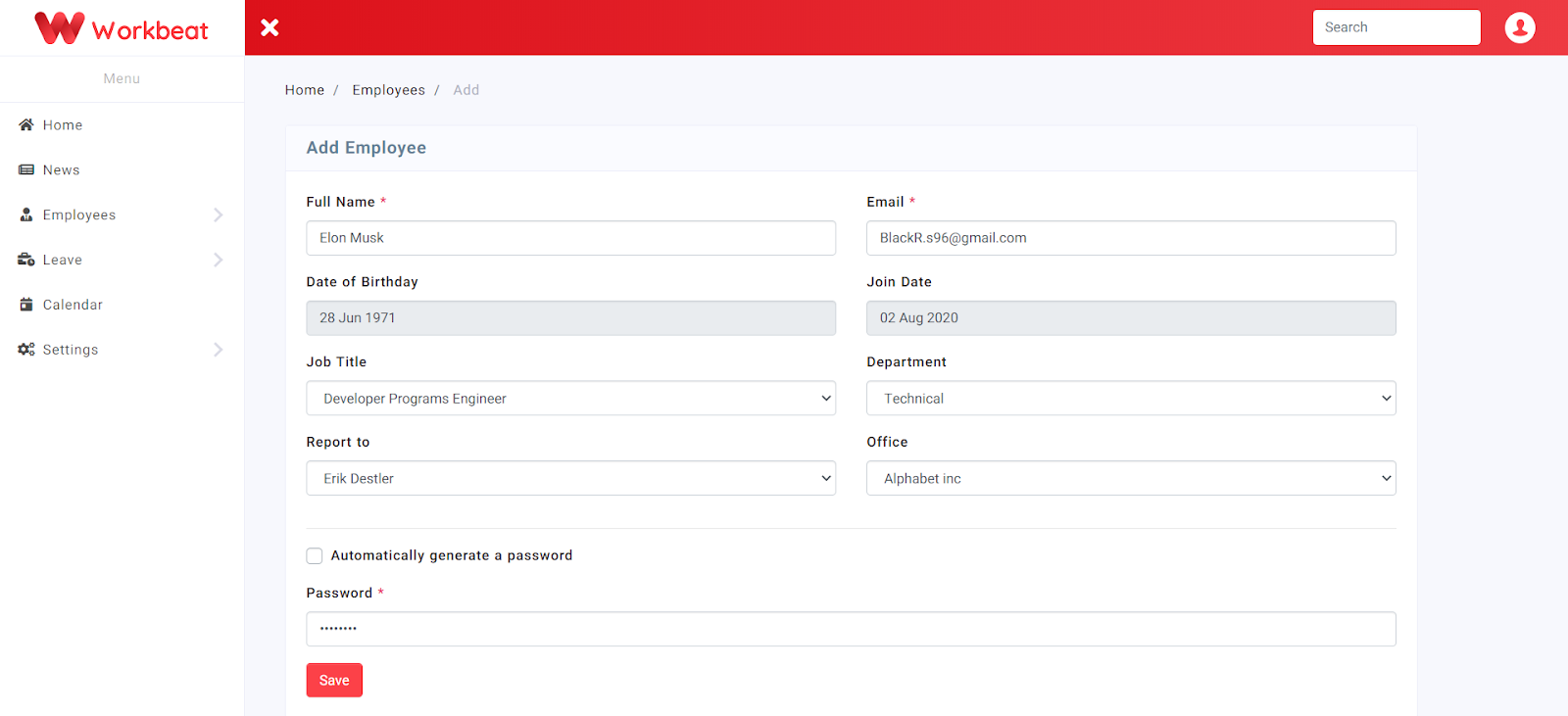
Insert employee details then click the Submit button. Do take note that ‘Report to’ refers to the person that will approve your leave application
If you select the Automatically generate a password box, it will generate a random password for that account.