Settings

Reset Account Password
Workbeat
22 Sep 2025 7:16 AM
Forget your password? Don't worry it happens to all of us.
Simply follow these step to reset your password :
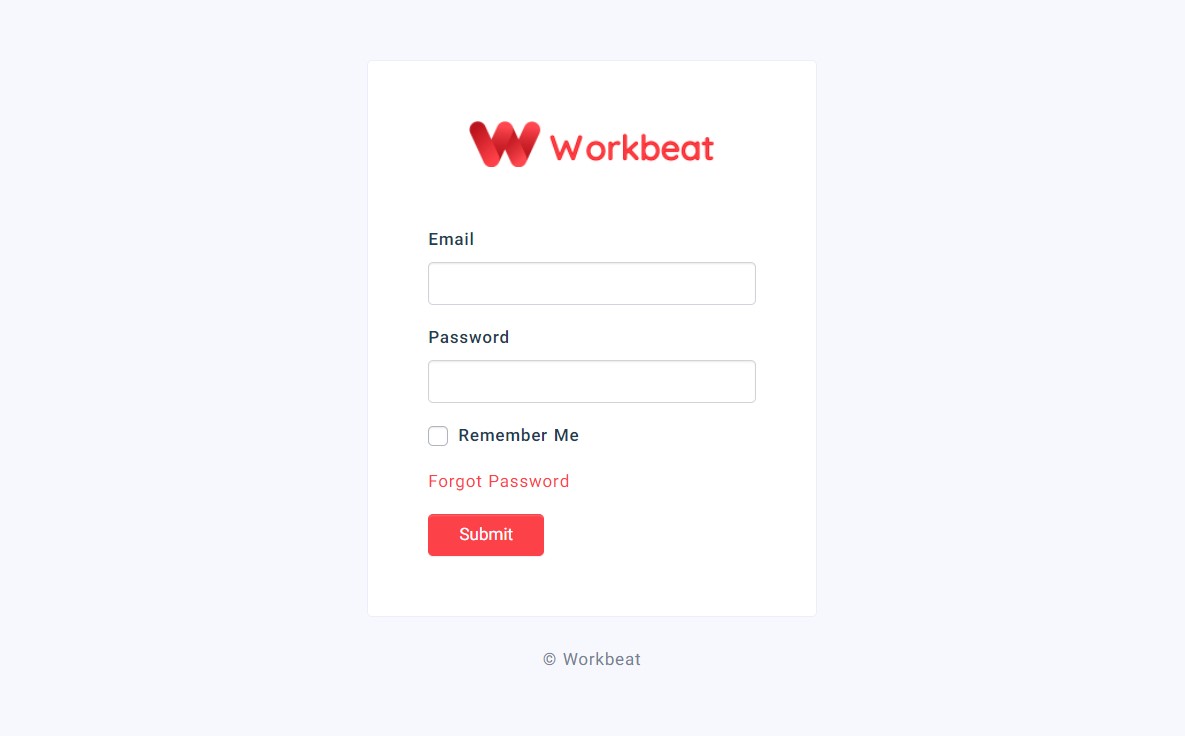
1. Go to the Login page and enter your domain name.

2. Click the Forgot Password link.
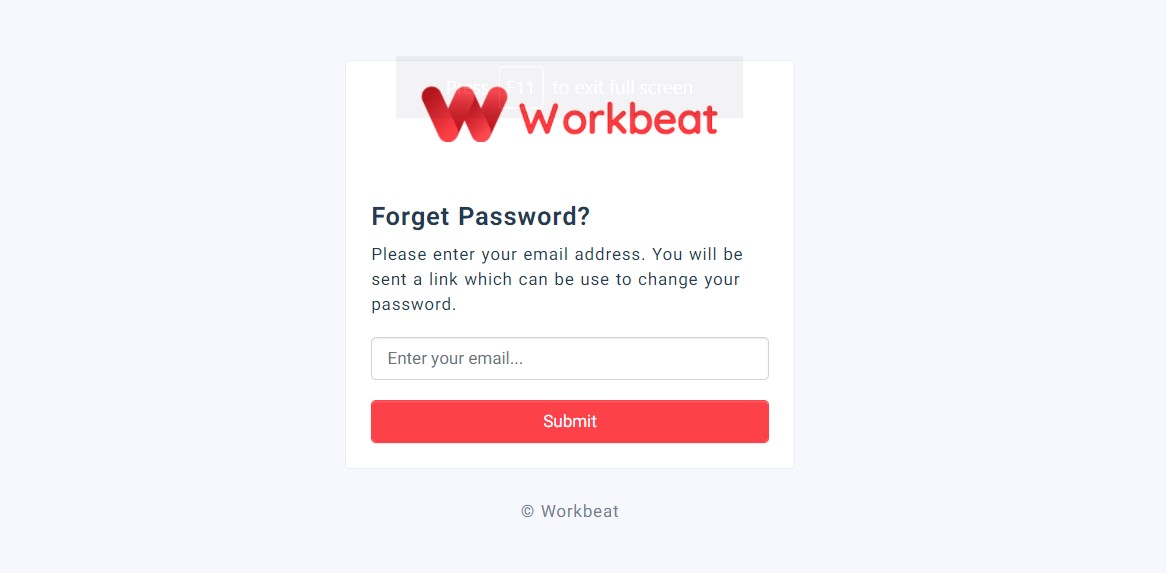
3. Enter the email address you use for Workbeat and click the Submit button.
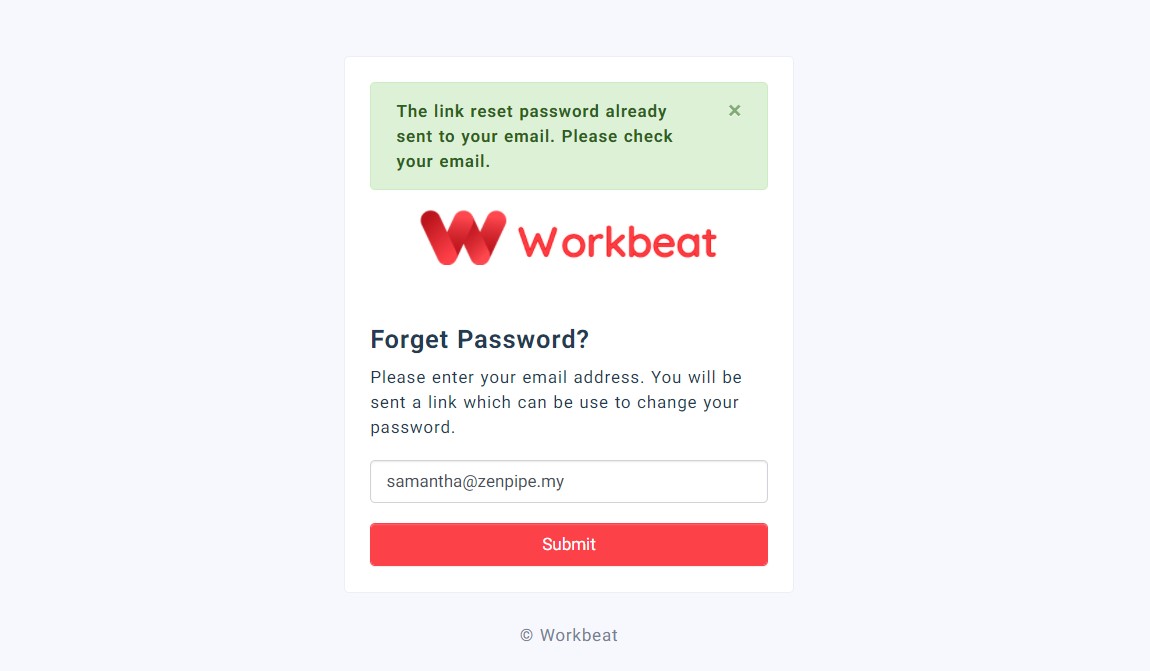
4. You will receive a password reset link via the email that you have entered.
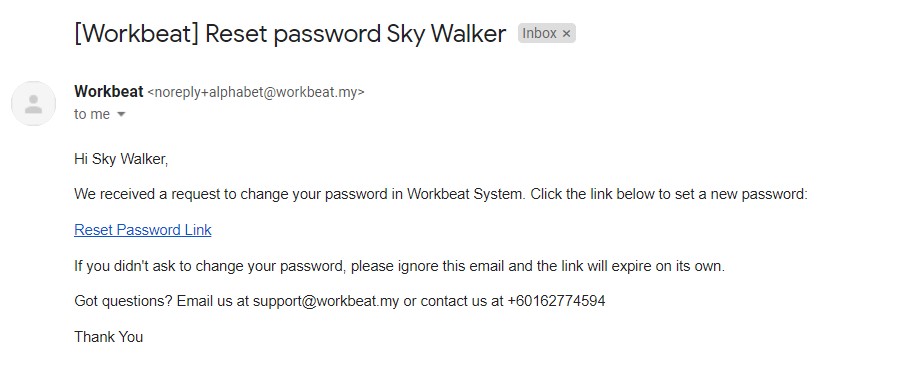
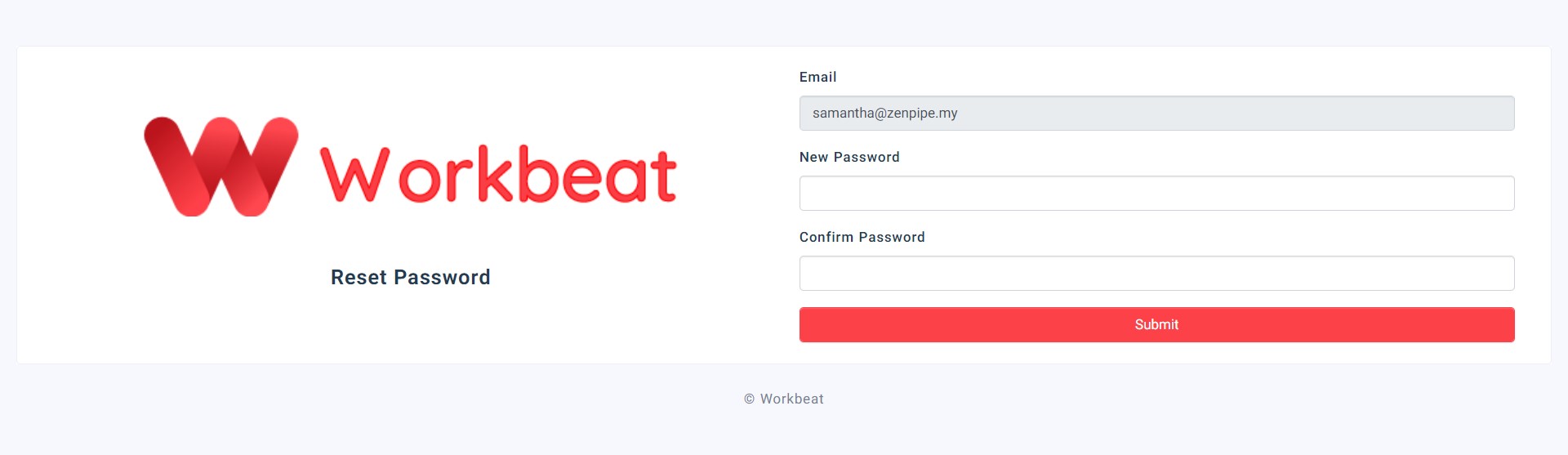
5. Click on the Reset Password Link and insert your new password.