Settings

Setup Notification
Workbeat
14 May 2026 6:33 AM
The notification setting is used to enable Telegram notification for your Workbeat account.
Path : Settings > Notification
On the Notification page, Workbeat provides 2 notification options:
- Webhook
- Telegram
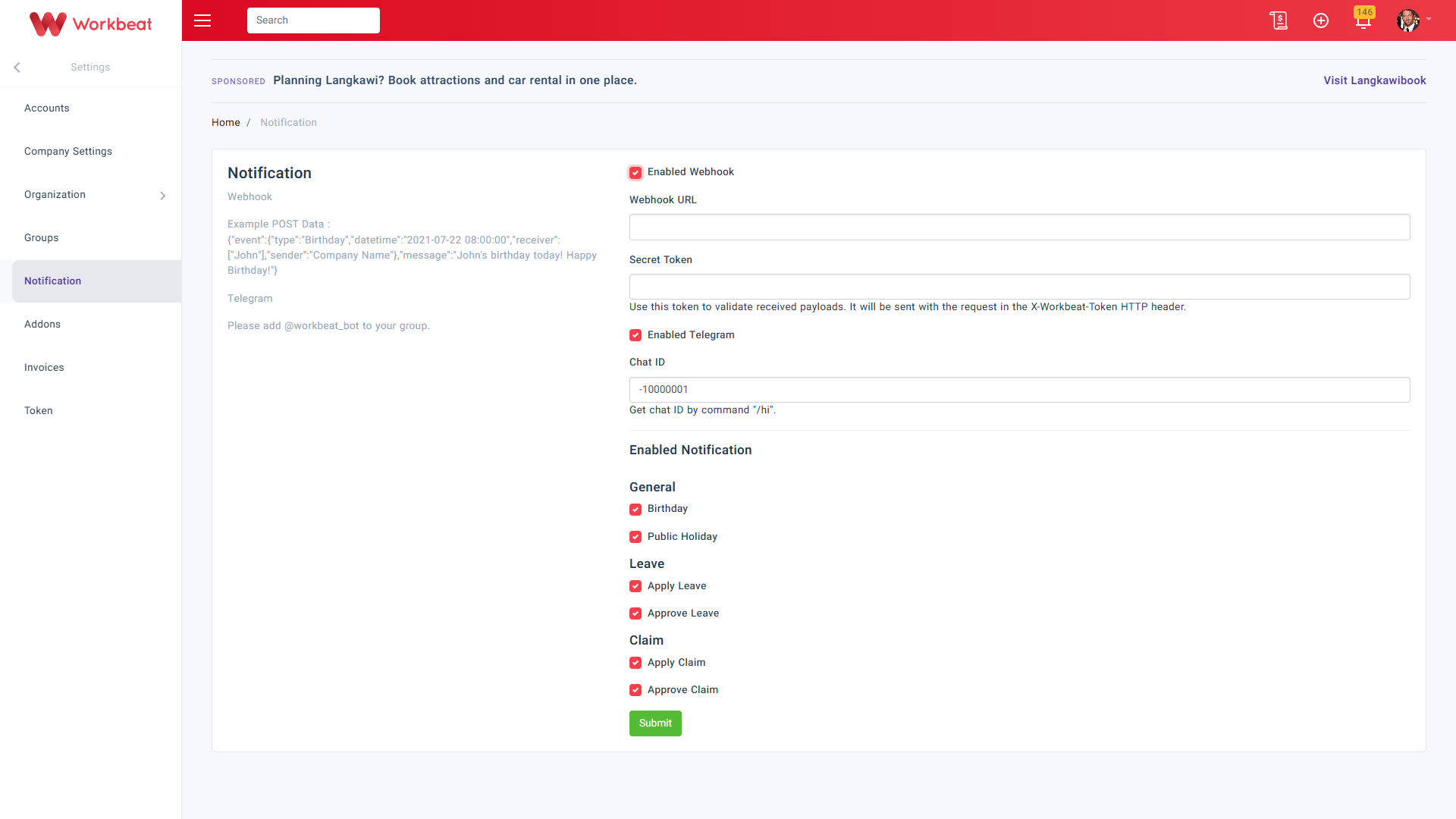
To enable Telegram notification, tick Enabled Telegram.
Then fill in the Chat ID.
The Chat ID can be obtained by sending the /hi command to the Telegram group after adding @workbeat_bot to the group.

If needed, you may also enable Webhook.
Once Enabled Webhook is selected, fill in:
- Webhook URL
- Secret Token
The secret token is used to validate the received payload from Workbeat.
Click Submit to save the notification settings.